Planning a Naperville-to-Texas Full Truckload Run Within HOS

Quick answer: A Naperville-to-Texas triangle run (Dallas, Houston, San Antonio) covers roughly 950 to 1,100 miles depending on the exact destination, which means one driver needs 24 to 28 hours of total transit time once you account for mandatory rest. That's not one 11-hour driving day — it's two partial days split by a 10-hour break, so the load almost always needs a second-day appointment window, not a next-morning one. Shippers who build their pickup time and delivery appointment around the federal hours-of-service clock, instead of around a flat mileage estimate, avoid the detention fees and missed docks that come from assuming a truck moves like a car.
Key takeaways
- Naperville to Dallas is about 950 miles; Naperville to Houston is closer to 1,100. Neither fits inside the 11-hour daily driving limit set by the Federal Motor Carrier Safety Administration (FMCSA).
- A single driver needs one mandatory 10-hour rest break mid-route, which pushes most loads into a 24–28 hour total transit window rather than a same-day or next-morning delivery.
- FMCSA's 34-hour restart rule matters most when a driver's weekly clock is already low before the run starts — ask your carrier's dispatcher where that driver's hours stand before you lock in a pickup time.
- Appointment windows that assume highway-average speeds without factoring in the Dallas-Fort Worth or Houston metro traffic grind are the single most common cause of late arrivals on this lane.
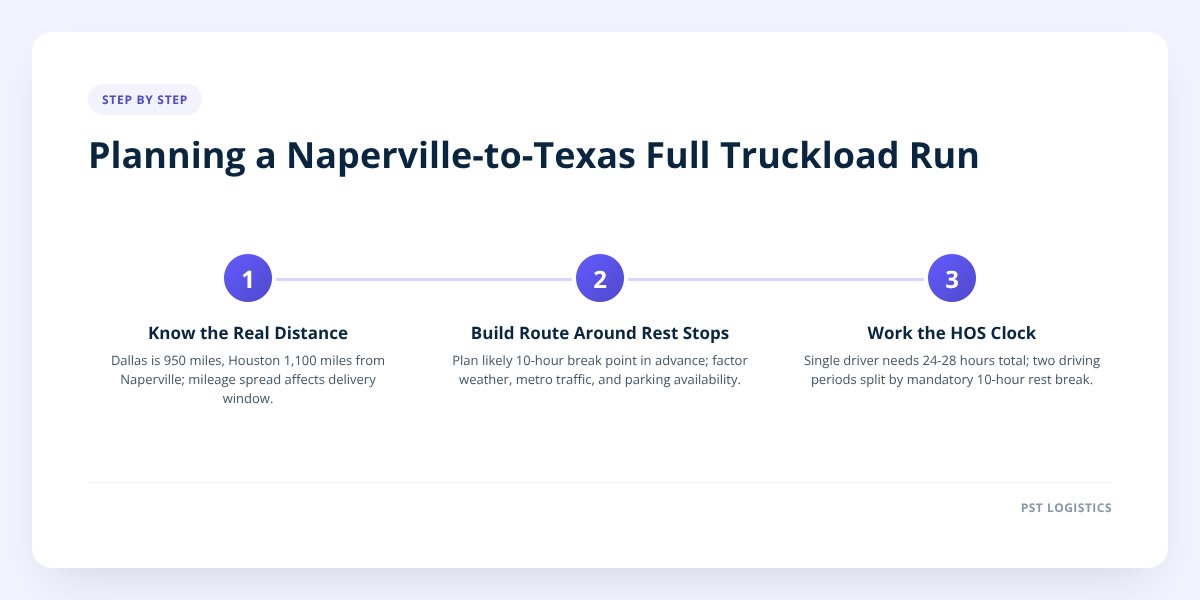
!Planning a Naperville-to-Texas Full Truckload Run
Step 1: Know the Real Distance Before You Quote an Arrival Time
The Texas triangle isn't one destination — it's three, and the mileage difference matters more than shippers often assume. Dallas sits about 950 miles from Naperville via I-55 and I-44. Houston is closer to 1,100 miles once you factor in the stretch south on I-45. San Antonio adds another 60 to 80 miles past Houston or Dallas depending on the approach.
Those numbers come from road mileage, not straight-line distance, and they assume normal traffic. Run the actual route in a mapping tool before you promise a receiver a delivery day — a 150-mile spread between Dallas and San Antonio is the difference between a load that delivers clean on hour 24 and one that's still rolling at hour 28.
A common mistake: shippers quote delivery based on "average truck speed" of 55-60 mph applied to the whole trip. That math ignores mandatory breaks, fuel stops, and the construction zones that are near-permanent fixtures on I-44 through Missouri and Oklahoma. Treat any flat-average estimate as a starting point, not a commitment you give to a receiver.
Step 2: Build the Route Around Real Rest Stops, Not Just Mileage
The corridor most carriers run on this lane is I-55 south out of the Chicago area to St. Louis, then I-44 southwest through Springfield, Missouri and Tulsa, Oklahoma, before picking up I-35 or I-45 into Texas. That route has reliable truck stops roughly every 100-150 miles, which matters more than it sounds like it should.
A driver can't just stop wherever is convenient when the 10-hour clock runs out — they need a truck stop or rest area with parking available, and weekend evenings near Tulsa and Oklahoma City routinely fill up. Planning the likely rest point in advance, rather than hoping one is open at hour 11, is part of what keeps a run on schedule.
Buffer time to build in:
- Weather delays — I-44 through Missouri and Oklahoma sees ice and high-wind advisories that aren't rare between late fall and early spring.
- Metro traffic — St. Louis, Tulsa, and the Dallas-Fort Worth and Houston metro areas all add 30-60 minutes of slowdown during weekday rush windows.
- Construction zones — I-44 has had rolling construction projects for years; check current conditions rather than assuming last quarter's route is clear.
- Parking availability — truck stop capacity near major metros fills early on Friday and Sunday evenings.
None of this is padding on the schedule — it's the difference between an ETA that holds and one a dispatcher has to call the receiver about at 6 a.m.
Step 3: Work the Driver's Hours-of-Service Clock, Not a Round Trip Number
Here's the rule that actually governs the timeline: under FMCSA regulations, a commercial driver gets an 11-hour daily driving window after a 10-hour consecutive off-duty break, and that driving window sits inside a broader 14-hour on-duty day that includes loading, fueling, and paperwork. A Naperville-to-Dallas run at roughly 950 miles simply does not fit inside one 11-hour window — it takes two driving periods with a mandatory rest in between.
Run the math on a Dallas load:
- Day 1: driver picks up in Naperville, drives roughly 10-11 hours, covers 550-600 miles, likely stopping somewhere around Springfield, Missouri or just past it.
- Rest: 10-hour mandatory break.
- Day 2: driver resumes, covers the remaining 350-400 miles into Dallas in 6-7 hours.
Total elapsed time from pickup to delivery: roughly 26-28 hours, assuming no weather or traffic delay. That's the number to build an appointment around — not "overnight," not "next morning first thing."
Don't skip this: if a shipper requests a delivery appointment inside 20 hours of pickup for a Texas triangle load, the only way a single driver legally makes it is by skipping the mandatory rest break — which isn't an option. Build the appointment on the 24-28 hour window from the start, or expect to push the pickup earlier.
The 34-hour restart comes into play on the back end, not the front. If a driver has run close to their weekly 60/70-hour limit before this load starts, dispatch needs to know that before quoting a pickup time — a driver near their weekly cap may need the 34-hour restart before they can legally take the run at all. This is exactly the kind of clock math we cover in more detail in Planning Multi-Stop Freight Routes Within HOS Limits, since the same logic applies whether a load has one stop or several.
Step 4: Set the Appointment Window Around the Actual Clock, Not the Calendar
The appointment time should be set after you know the real transit window, not before. A receiver who opens at 7 a.m. and closes at 3 p.m. isn't actually available for 8 hours of flexibility if your dock only runs two live-load lanes and three trucks are already queued ahead of you.
| Scenario | What happens | Who pays |
|---|---|---|
| Truck arrives 3+ hours early | Driver waits in the queue or off-site until the dock opens | Usually absorbed, but ties up the trailer |
| Truck arrives within the appointment window | Normal unload, driver released on schedule | No one — this is the goal |
| Truck arrives late due to HOS-mandated rest | Receiver may reschedule or push to standby | Depends on the carrier's detention terms |
| Dock is backed up and truck waits past 2 hours | Detention clock typically starts | Shipper or receiver, per the rate agreement |
Receiver dock hours in the Texas triangle vary widely — some Dallas and Houston distribution centers run live-load appointments on tight 30-minute slots, others allow drop-and-hook with more flexibility. Confirm the receiver's actual appointment policy, not just their listed hours, before you commit a pickup time on your end.
A load that arrives on the dot but then waits two hours past its slot because the dock is backed up creates the same cost problem as a late truck — it just shows up on a different line item. We go deeper on exactly how those fees get triggered and avoided in How to Prevent Detention Fees on Full Truckload Shipping.
Step 5: Plan the Load for a 24-28 Hour Haul, Not Just the Appointment
A load that's stable for a 400-mile run can shift on a 1,000-mile one, especially through the curves and grades on I-44 through the Ozarks. Weight distribution matters more on long hauls because the freight experiences more braking events, more turns, and more total road vibration before it ever reaches the dock.
For a dry van load on this lane:
- Distribute weight evenly across the trailer length — don't nose-load or tail-load heavy pallets, which affects axle weights and handling on grades.
- Keep total payload under 45,000 lbs and plan pallet count against trailer capacity — a standard 53' dry van holds around 26 pallets.
- Secure every pallet with load bars, straps, or airbags appropriate to the freight type; a load that's fine for 400 miles can walk or shift over 950.
- Document the load plan before the driver leaves — a photo of the loaded trailer protects both shipper and carrier if a damage claim comes up at delivery.
For temperature-controlled freight headed into Texas, the stakes are different. A reefer trailer needs to be pre-cooled to setpoint before the doors open for loading, and the unit should run continuous or cycle-sentry mode with temperature logged for the full 24-28 hours — not just checked at pickup and delivery. Produce and dairy loads crossing from Midwest fall temperatures into Texas heat need that continuous log to prove the product held its setpoint the whole way, which matters if there's ever a claim dispute at the dock.
If you haven't locked in your pallet count and weight plan yet, How to Plan and Load Pallets for Full Truckload Shipping walks through that math in more detail before the truck ever leaves Naperville.
What to Do Next
Naperville's position on I-55 and I-80 makes it a practical staging point for both the Texas triangle and eastbound Southeast freight, which is part of why PST Global runs this corridor as a core lane rather than an occasional one. Every load moves with one driver from pickup to delivery in a 53-foot air-ride dry van or reefer, with hours of service tracked by ELD on every unit and dispatch available 24/7 to tell you exactly where a driver's clock stands before you commit to an appointment time.
If you're planning a Texas triangle run and need the real transit window — not a mileage-chart guess — request a rate through dispatch and get the clock math before you book the dock.
Checklist: Planning a Naperville-to-Texas Full Truckload Run
- Confirm the exact delivery city (Dallas, Houston, or San Antonio) — the mileage difference changes your timeline.
- Map the real route distance using current conditions, not a flat average speed.
- Ask dispatch where the assigned driver's weekly hours stand before locking in pickup time.
- Build the appointment window around a 24-28 hour transit estimate, not a next-morning assumption.
- Confirm the receiver's actual dock appointment policy, including live-load versus drop-and-hook terms.
- Check seasonal weather risk on the I-44 corridor through Missouri and Oklahoma.
- Verify pallet count and weight distribution against the trailer's 45,000 lb payload limit.
- Set reefer setpoint and confirm pre-cooling before the trailer doors open, for temperature-controlled loads.
- Request a certificate of insurance and confirm active authority before the load ships.